# Quickstart
## Before you start - checklist
* ✅ Access to your GitHub to add integrations
* ✅ Permission to read/write to at least one repo
* ✅ (Optional) Your team’s task tool (Jira/Linear/Asana) and Slack
* ✅ (Optional) A small, non‑critical task you’re happy to try first
## Quick start in 10 steps
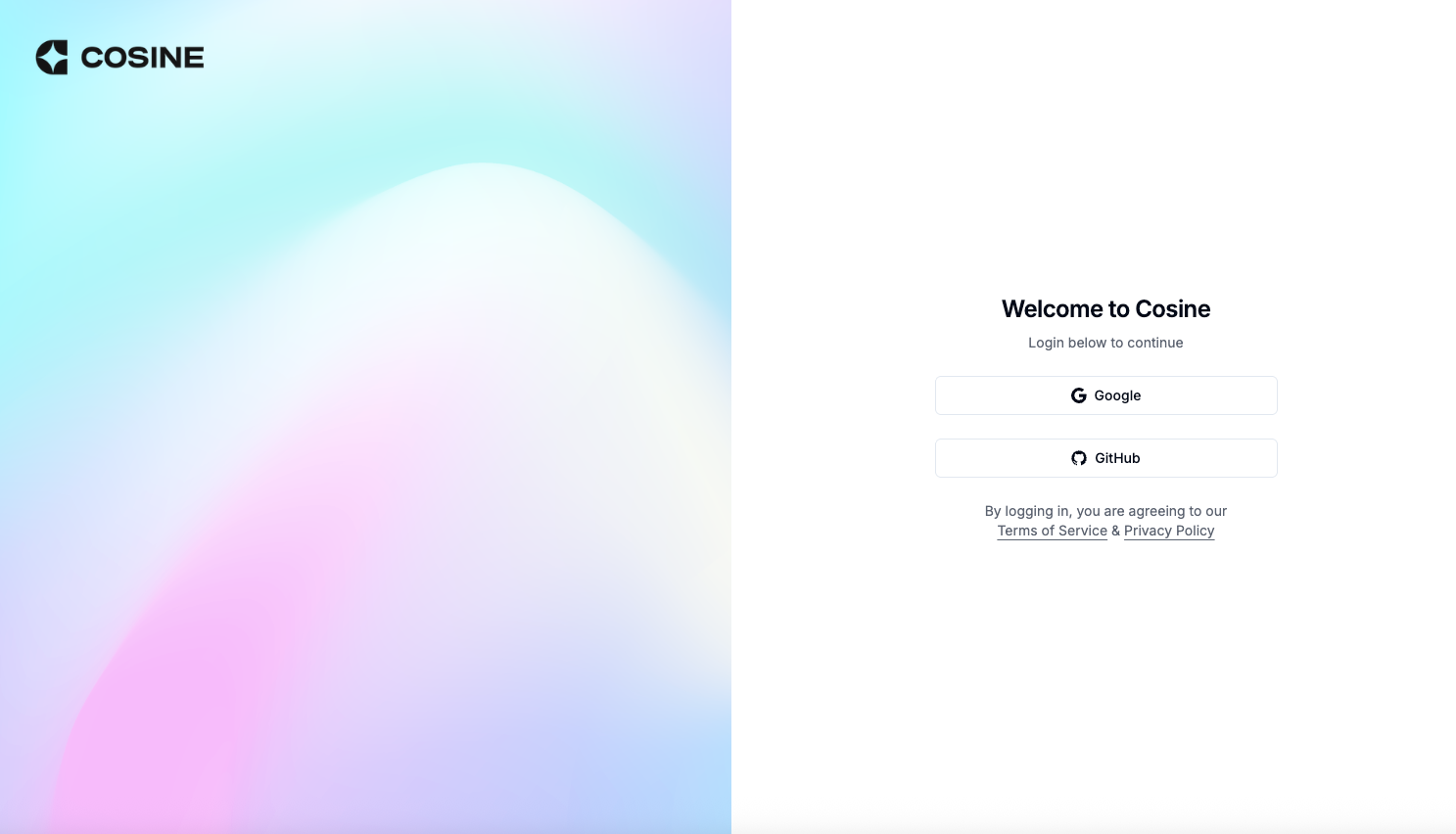
1. **Create your account**
* Open the Cosine platform and sign up with your work email.
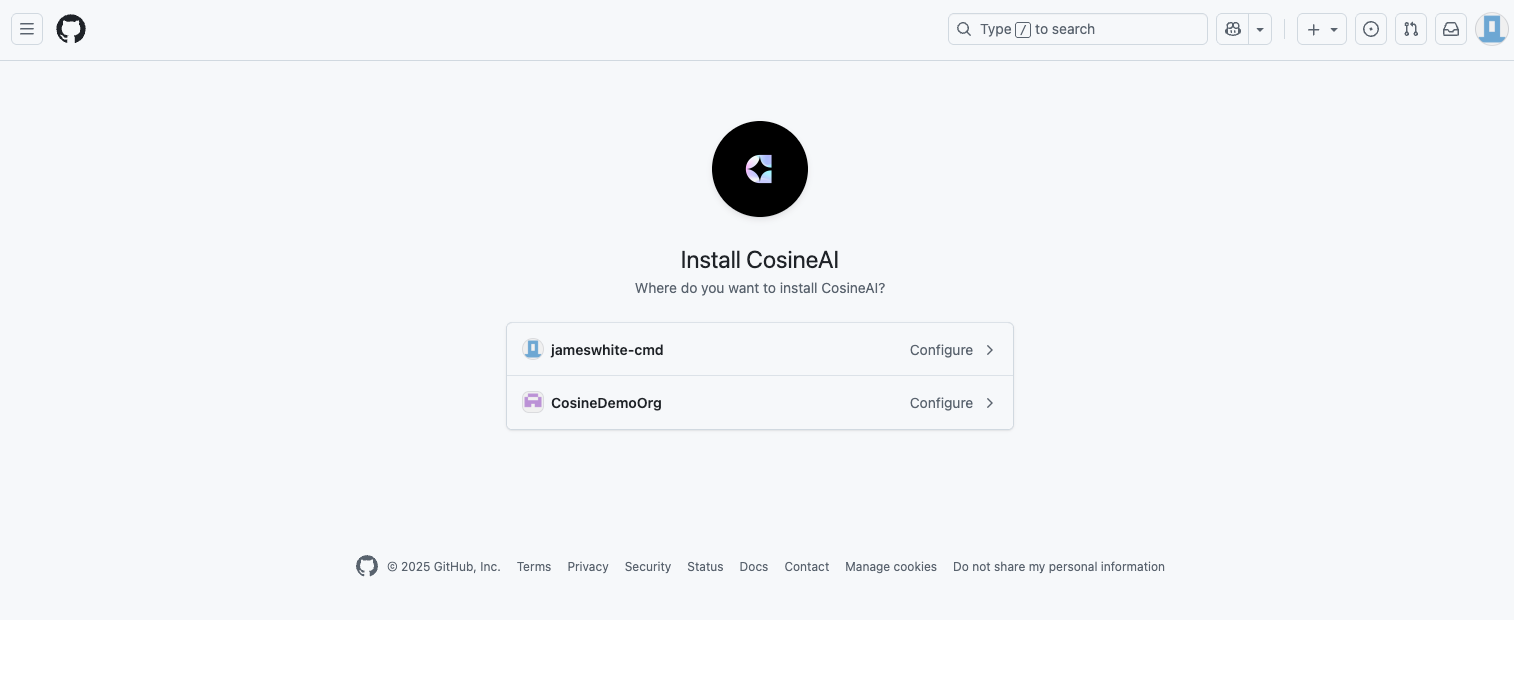
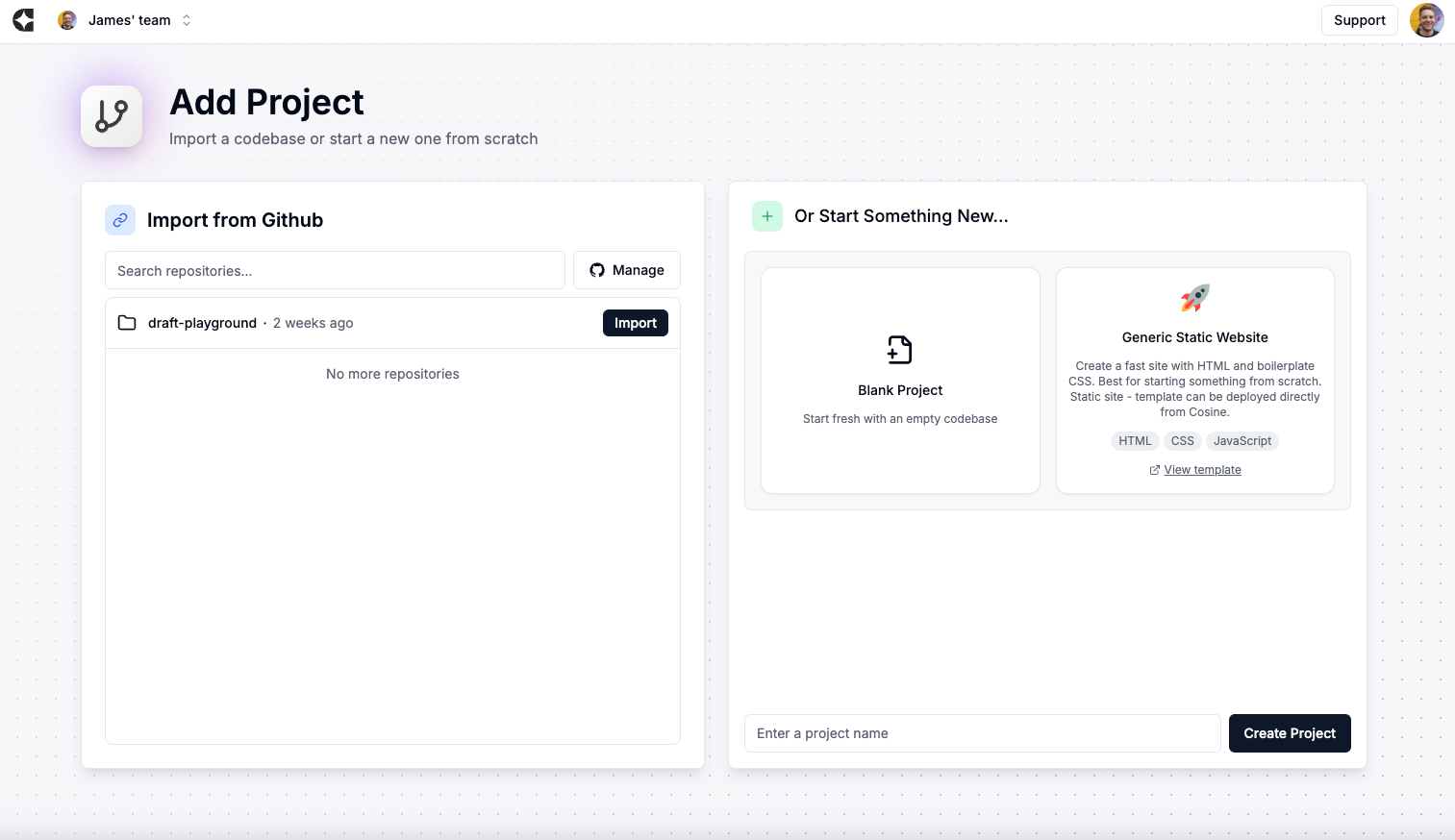
2. **Connect your code**
* Link your GitHub/other git provider and import one or more repos you want Cosine to work on (you can also start a new project from a template).
3. **Pick a project**
* From the Projects page (second tab at the top), select the repo/project you just imported.
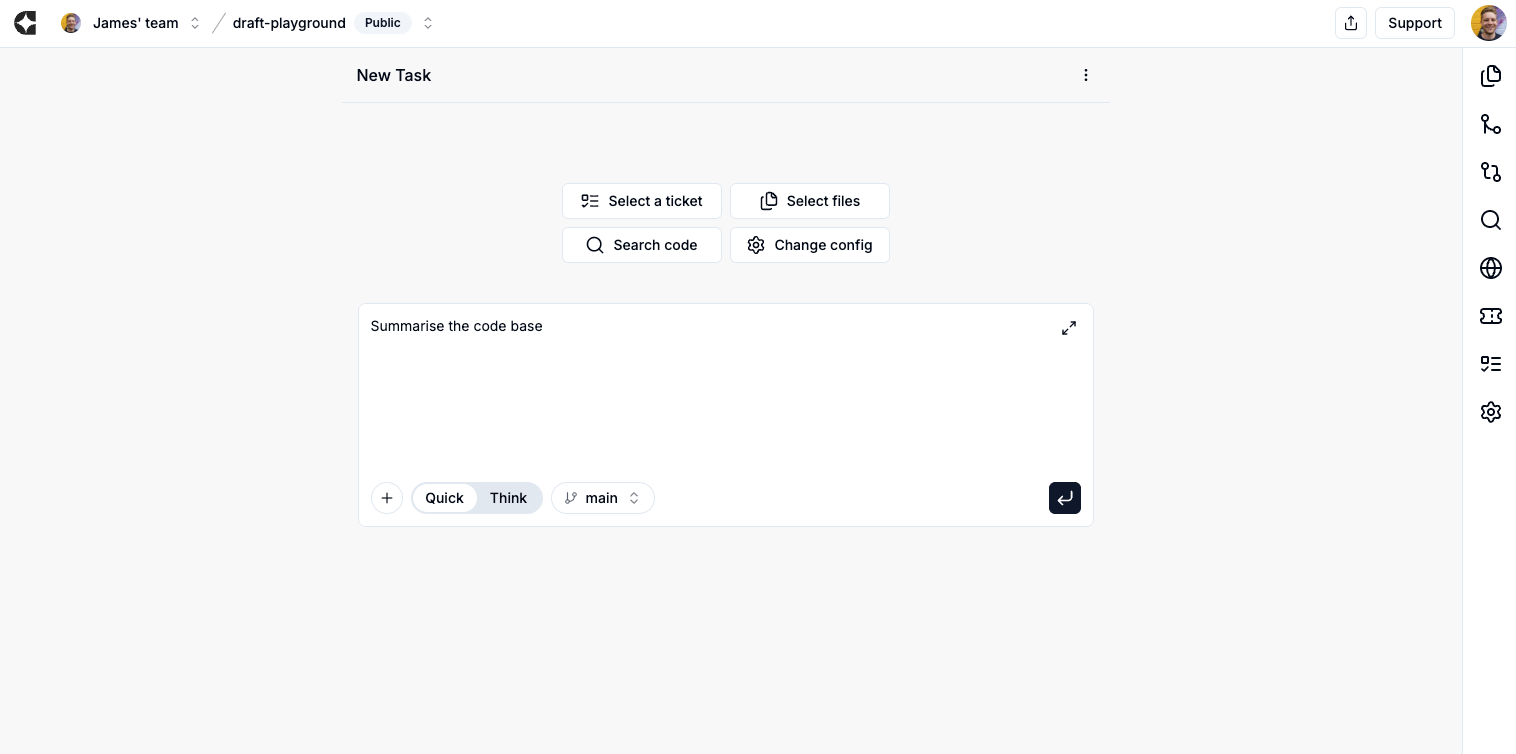
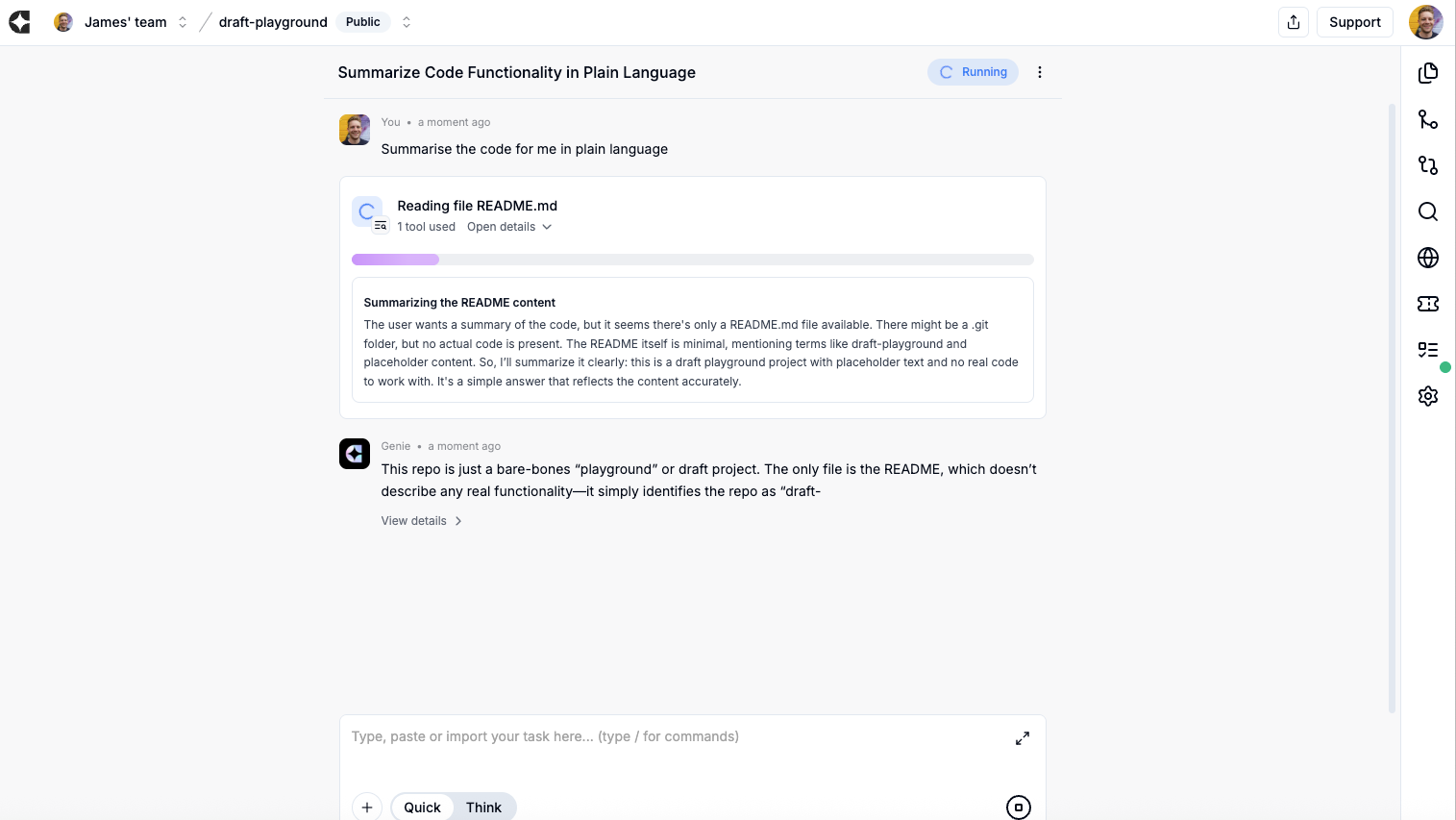
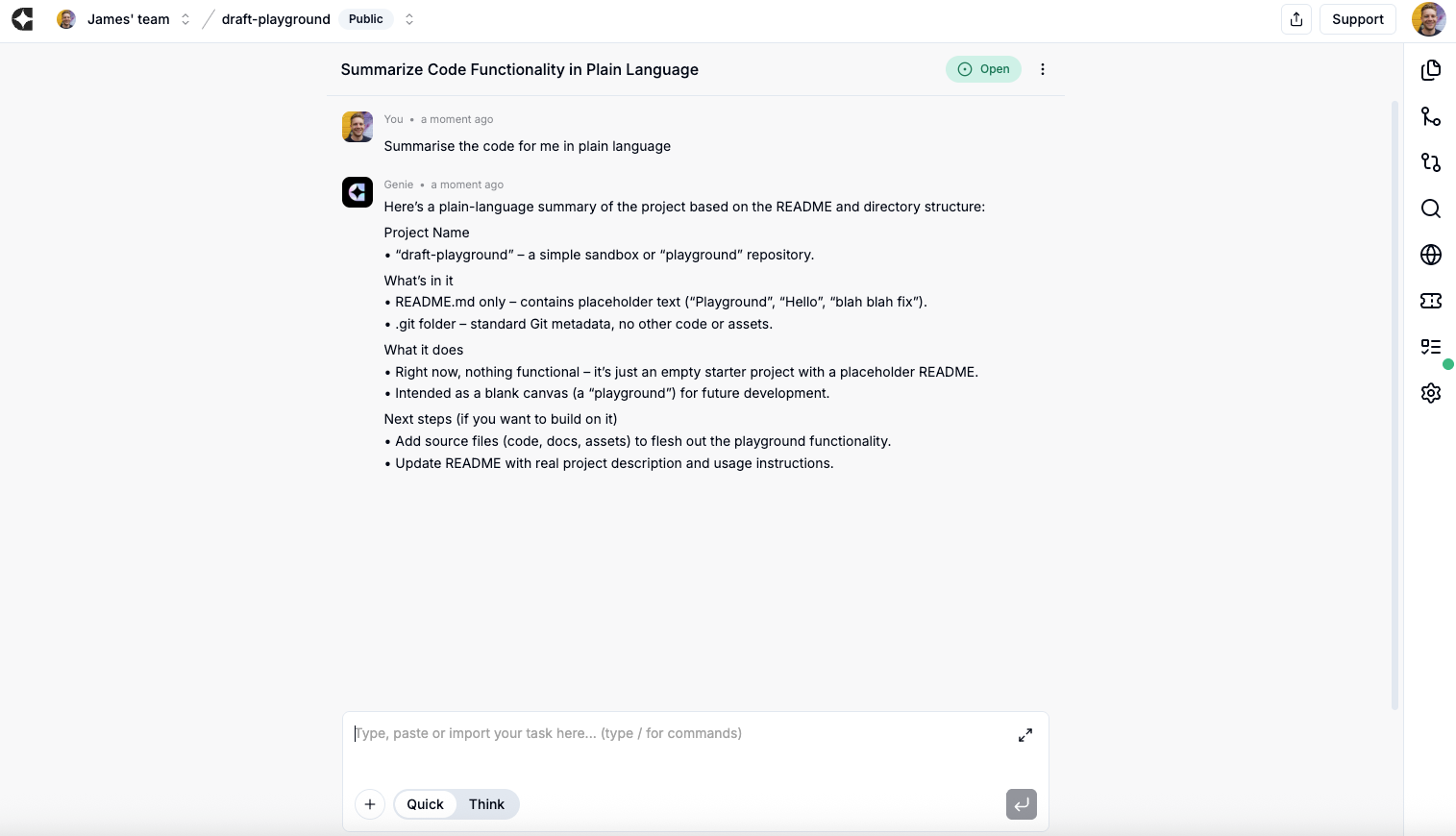
4. **Tell Cosine what you want**
* Use the New task / prompt box. Be simple: describe the bug or feature and any acceptance criteria (what “done” looks like).
5. **(Optional) Kick off from Jira/Linear/Slack**
* Instead of typing a prompt, you can trigger tasks by tagging/labelling a ticket in Jira/Linear or by mentioning @cosine in a Slack thread. Details below.
6. **Start the task — then walk away**
* Cosine works asynchronously. Don’t babysit it. Queue several tasks if you like.
7. **Come back to review**
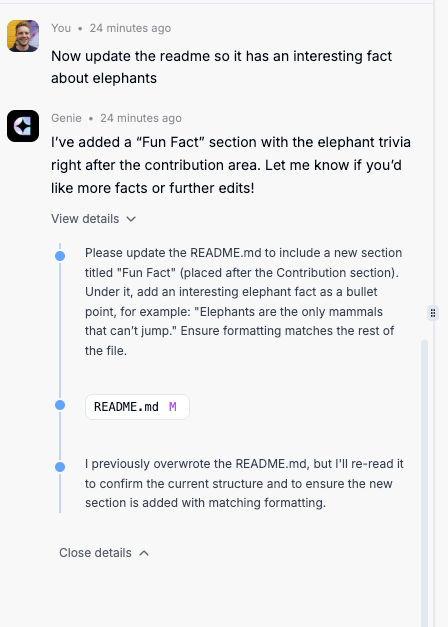
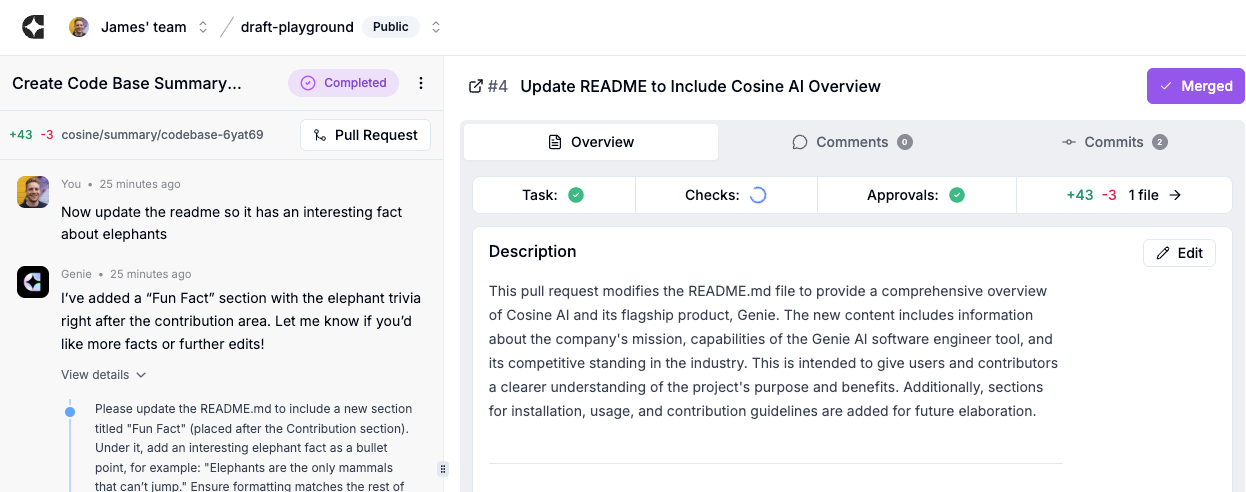
* Open the task to see what Cosine did: the plan, code changes and validation runs.
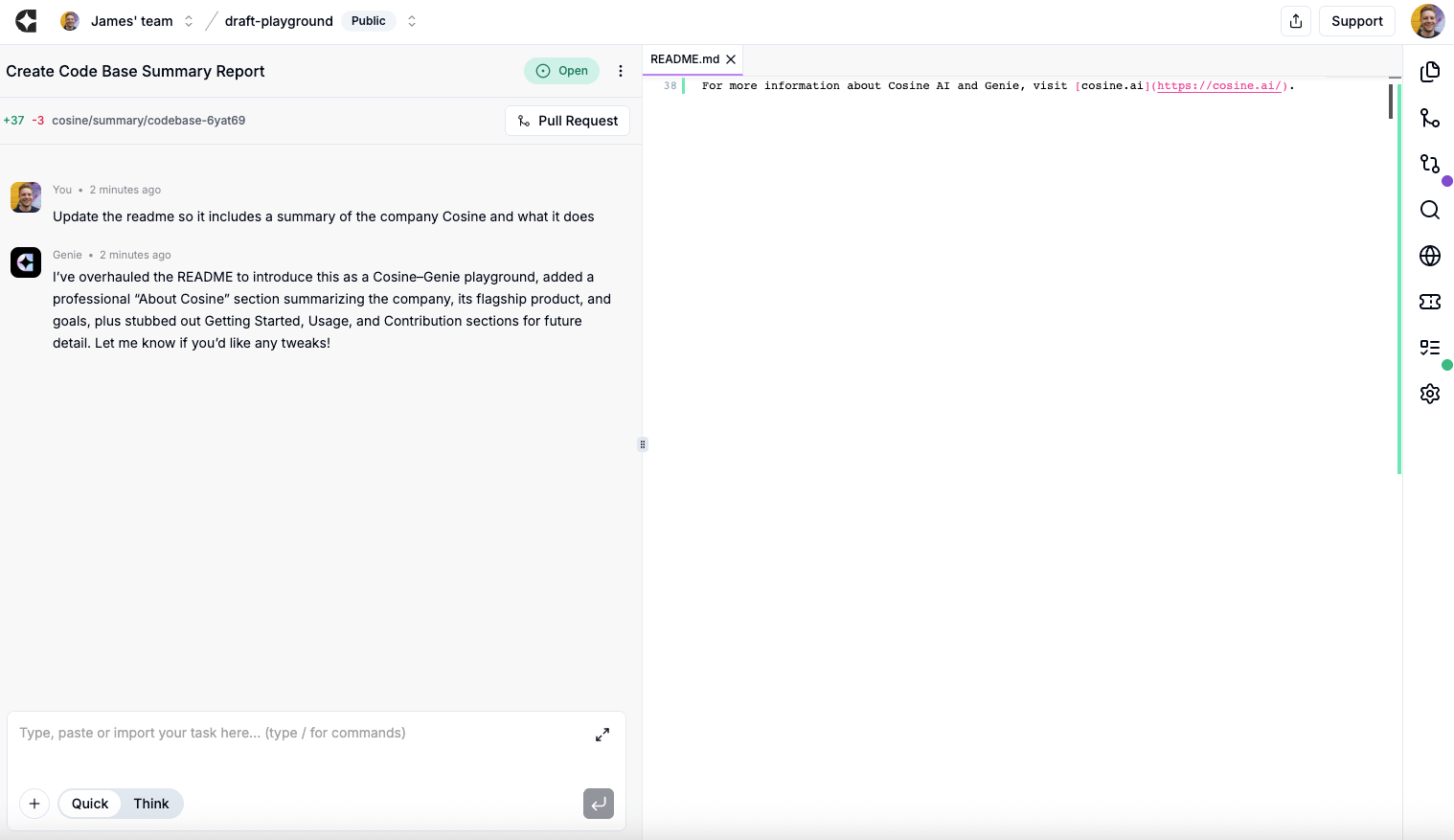
8. **Review the pull request (PR)**
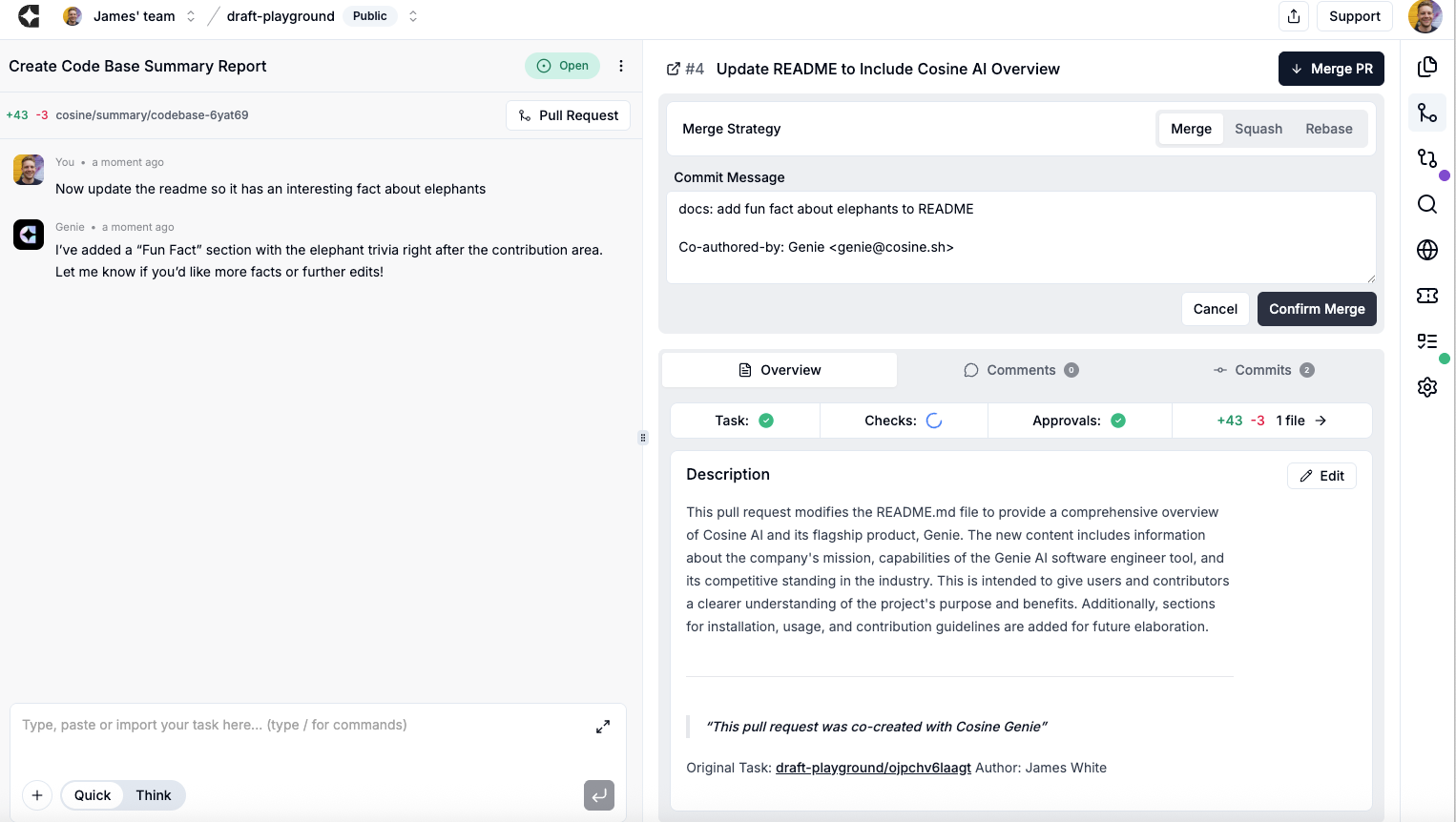
* Read the diff, view test/CI status, and add comments if you want tweaks.
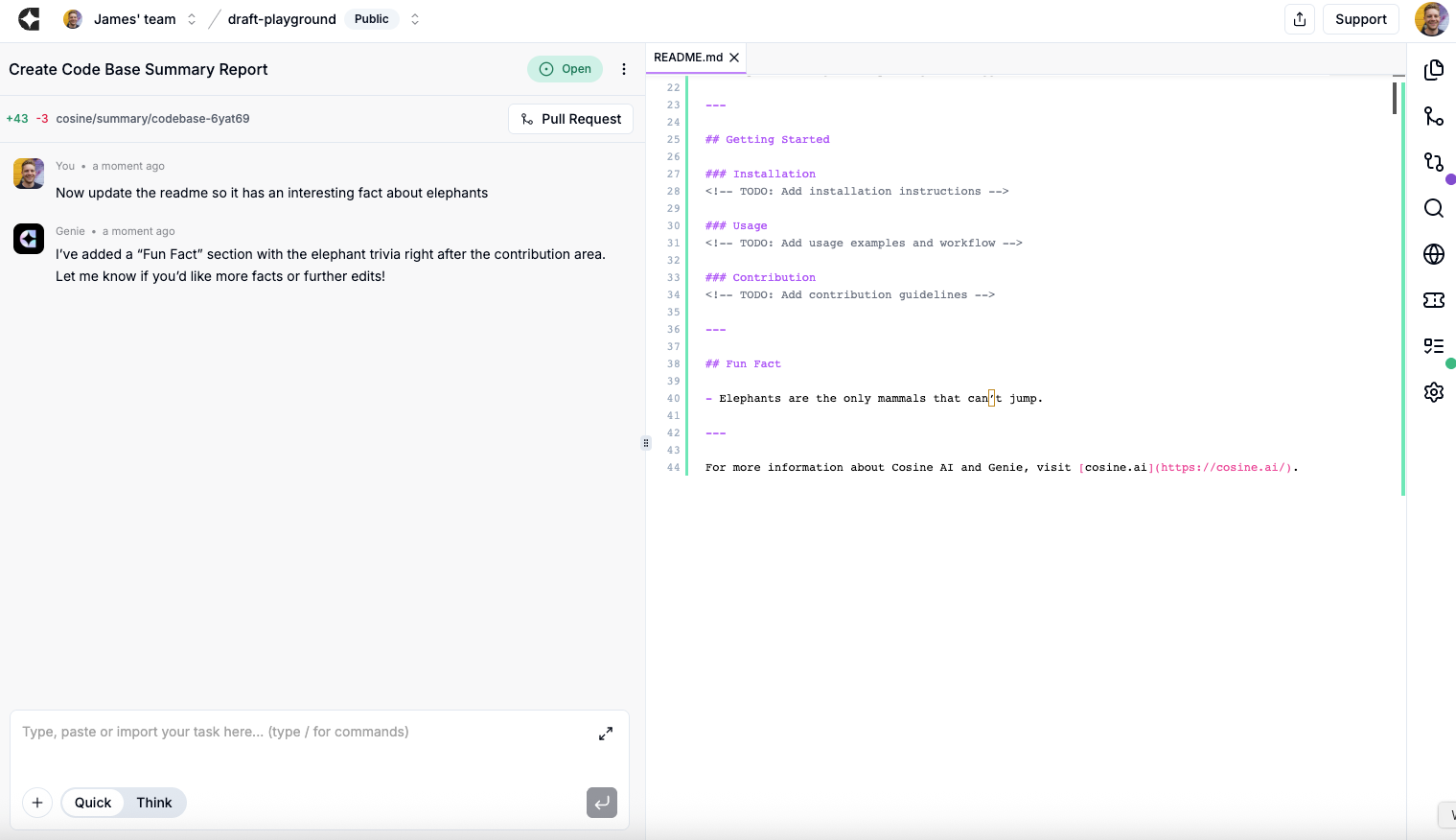
9. **Ask for changes or iterate**
* Type follow‑ups (e.g., “Make the button blue and add a test”). Cosine updates the branch/PR.
10. **Merge**
* When happy, merge the PR from Cosine or from your git host. To do this, select the PR icon on the right-hand side (second from the top) and click Merge. Done.
***
## What are the icons on the Cosine platform?
In order:
* **Explorer:** allows you to look in and select specific files for Cosine to work in. You can search over file names and paths.
* **PR:** allows you to view PRs and merge.
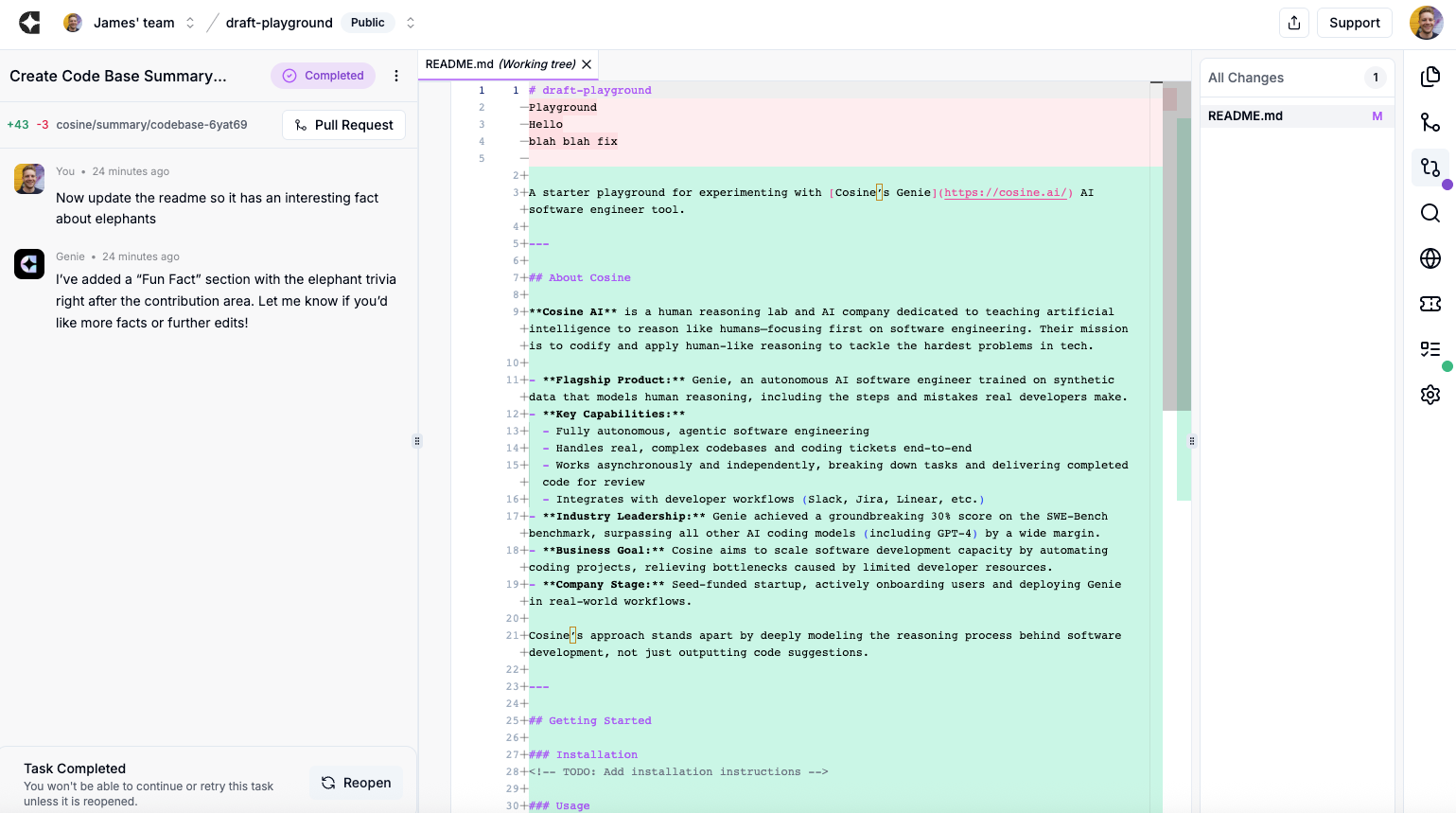
* **Source control:** lets you view the code changes directly.
* **Search:** lets you search in the actual code base of files.
* **Preview:** shows you the impact of the change on the site.
* **Tickets:** can integrate with Jira / Linear / Slack.
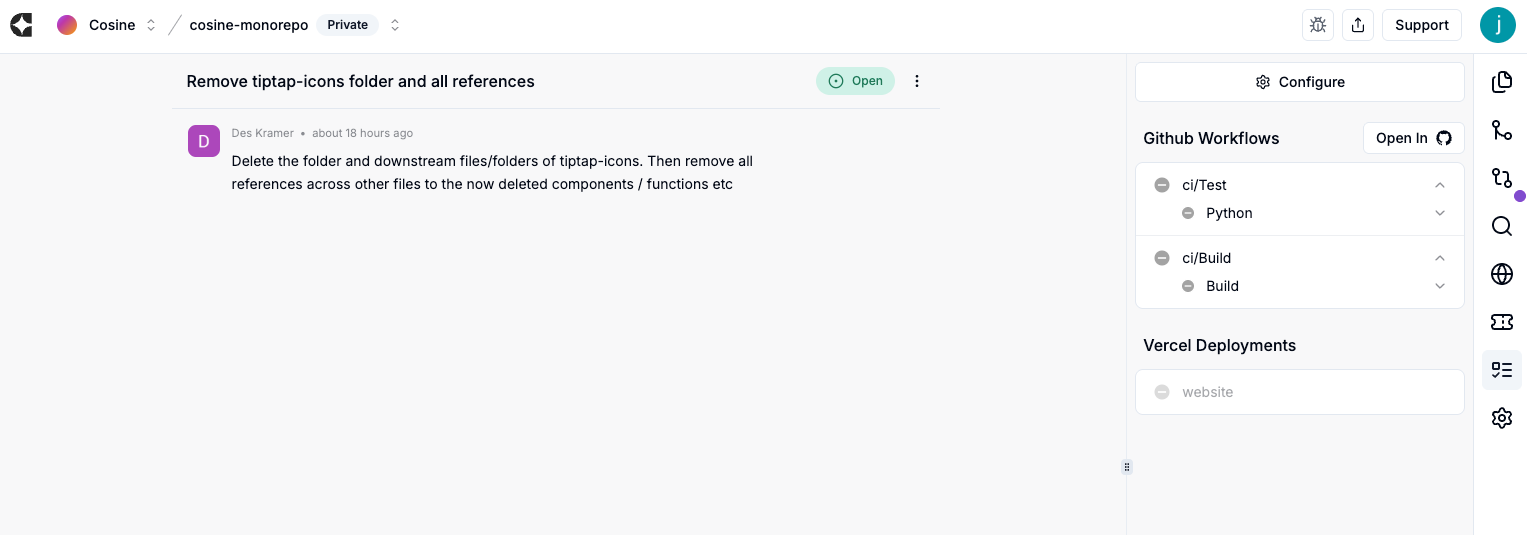
* **Workflows:** shows you CI checks and their status.
* **Settings:** lets you change the underlying model you’re using, and choose where to merge your PR into.
***
## Common ways to give Cosine a task
**A. On the platform (fastest):**
* Open your project → New task / prompt → Describe the change → Submit.
**B. From Jira/Linear:**
* Add your integration once.
* On a ticket, **apply the Cosine label/tag** your workspace uses (e.g., “cosine”). That’s it — Cosine will pick it up and start.
**C. From Slack:**
* In a relevant channel/thread, mention **@cosine** and say what you want (or ask it to take the ticket discussed above).
* Or open the Cosine side‑panel in Slack to get the full app experience without leaving Slack.
***
## What you’ll see on the platform
* **Task timeline & plan**
* What it intends to do and why.
* **Code changes**
* Diffs grouped by file (Third icon on the right-hand side).
* **Validation**
* Local code execution and CI status for the PR (Second last icon on the right-hand side).
* **Controls**
* Ask for changes, re‑run, or merge when satisfied.
***
## Tips that 10x results
* **Don’t hover:** Kick off 5–10 small tasks; come back later to review.
* **Add acceptance criteria:** Tell it how you’ll judge “done”.
* **Start small:** Non‑critical bugs/UX tweaks are perfect first wins.
* **Let it clarify:** If your ask is vague, Cosine will ask you questions; answer briefly and keep moving.
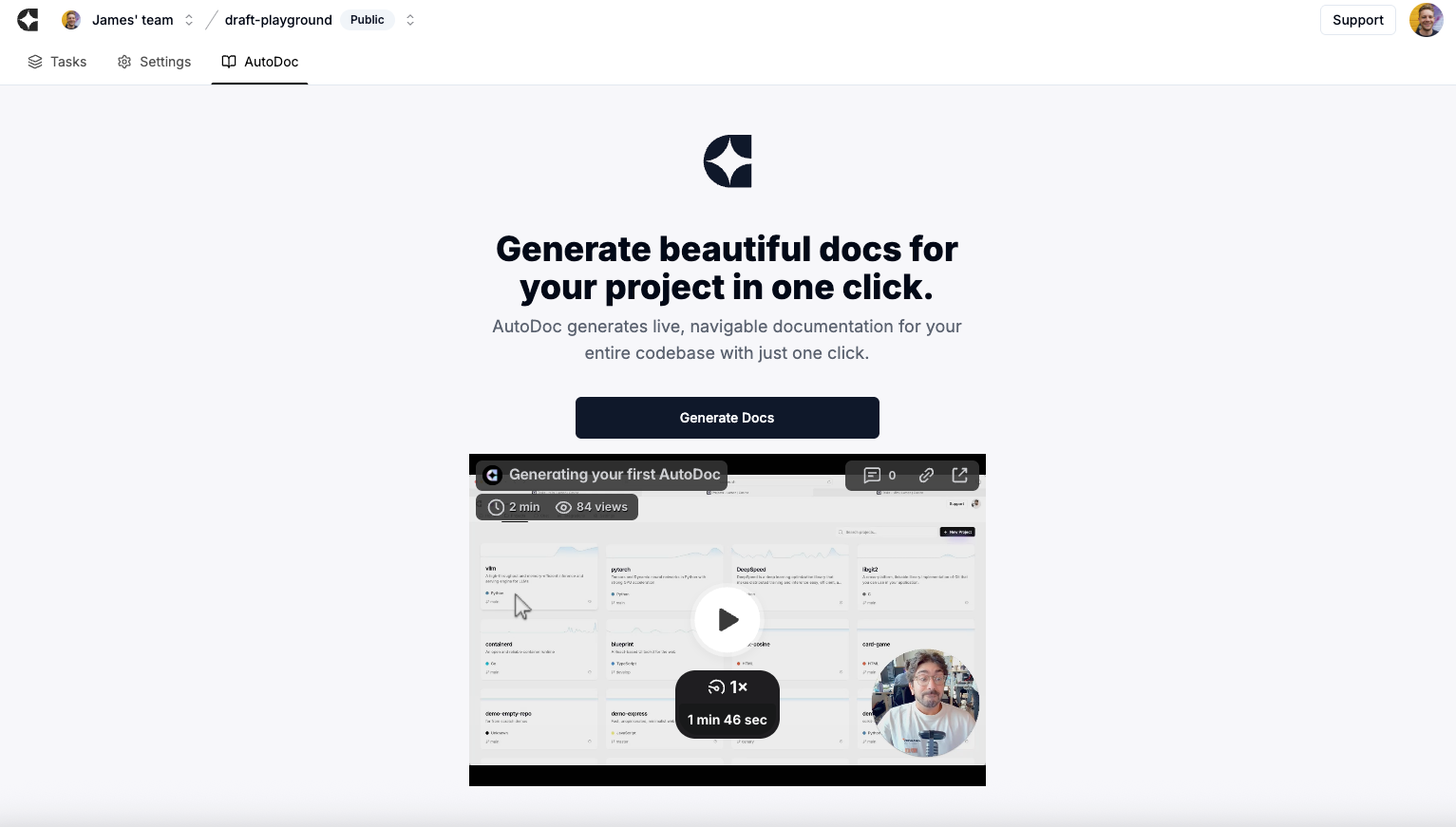
* **Turn on AutoDoc when you want docs:** It writes and keeps project docs up‑to‑date as code changes. (To do so, enter a Project and then select “Autodoc” rather than “Tasks” in the header)
***
## Troubleshooting basics
* **Nothing happened?** Check the task page for errors; re‑submit or slightly narrow the ask.
* **It asked questions.** That’s normal — answer directly; it will continue.
* **Tests failing?** Ask Cosine to fix failing tests and re‑run.
* **Private repos okay?** Yes — as long as your user has access.
***
## First‑task ideas you can try today
* “Fix the header logo alignment on mobile (<768px). Add a test.”
* “Add a ‘Resend verification email’ button on the account page with success/error toasts.”
* “Refactor legacy utils/date.js to TypeScript, add unit tests for parseDate and formatDate.”